

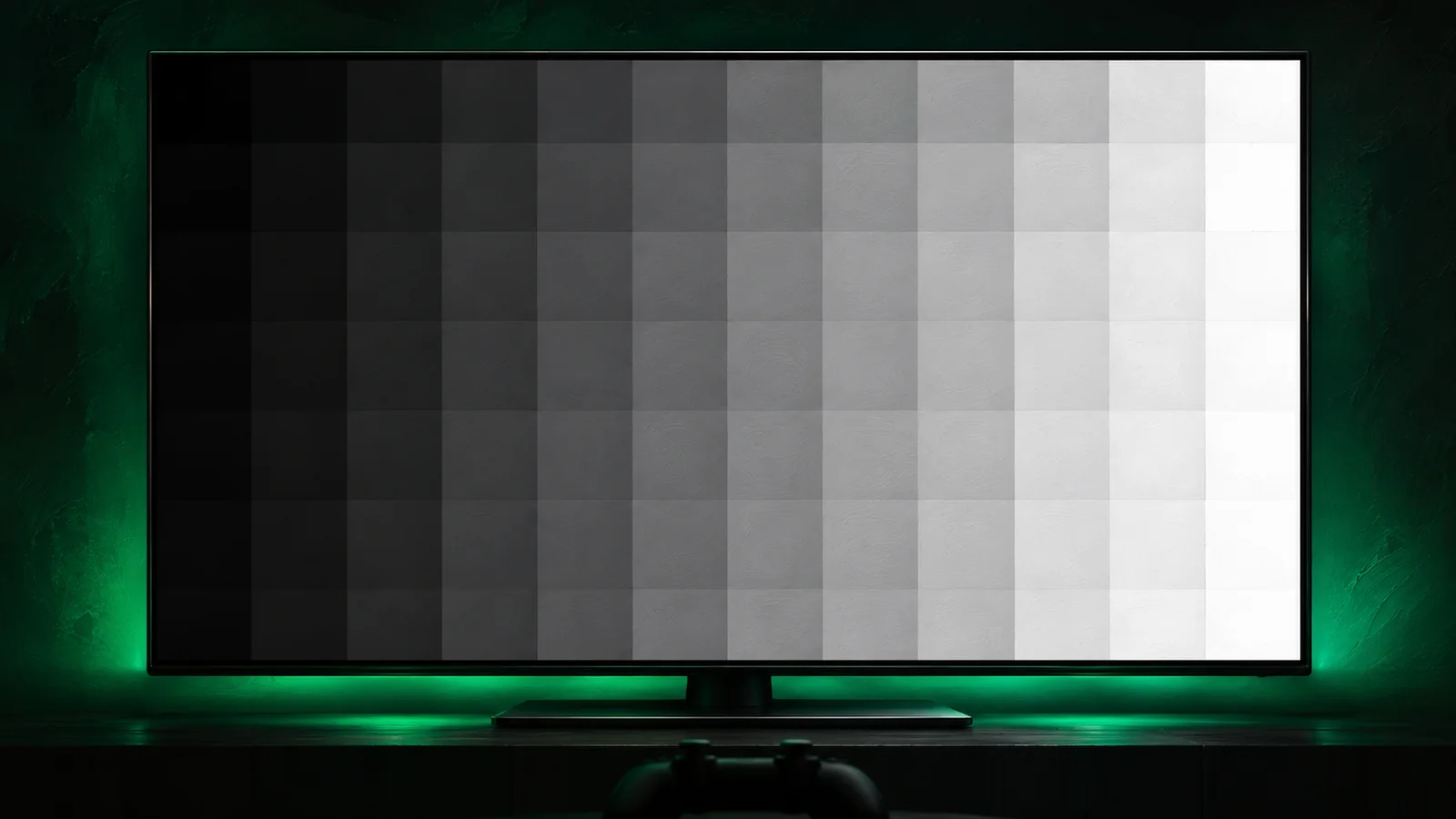
To calibrate Xbox HDR for GTA 6, open Settings, General, TV & display options and check 4K TV details. When the HDMI input reports HDR support, run Calibrate HDR for Games and follow the on-screen patterns in the TV picture mode you actually use to play.
Why might 4K TV details say HDR is unavailable?
A television can support HDR while one HDMI input is set to a lower-bandwidth mode. Check the current input’s options, especially when the Xbox shares a receiver or HDMI switch. If possible, try the console directly on a suitable TV input to see whether HDR support appears.
How do you use the Xbox HDR calibration patterns?
Run Calibrate HDR for Games in the TV picture mode you normally play in. Follow the prompts through the dark and bright patterns from your usual seat. Copying values from a different screen can give the wrong result for your HDMI setup.
Which GTA 6 scenes help you check the calibration?
Look at daylight reflected off the Vice City waterfront and then at detail in an interior with shadows. If you still want to adjust the game’s picture, make one change after you finish the console setup. You can check Dolby Vision separately using the TV’s active-signal display.