

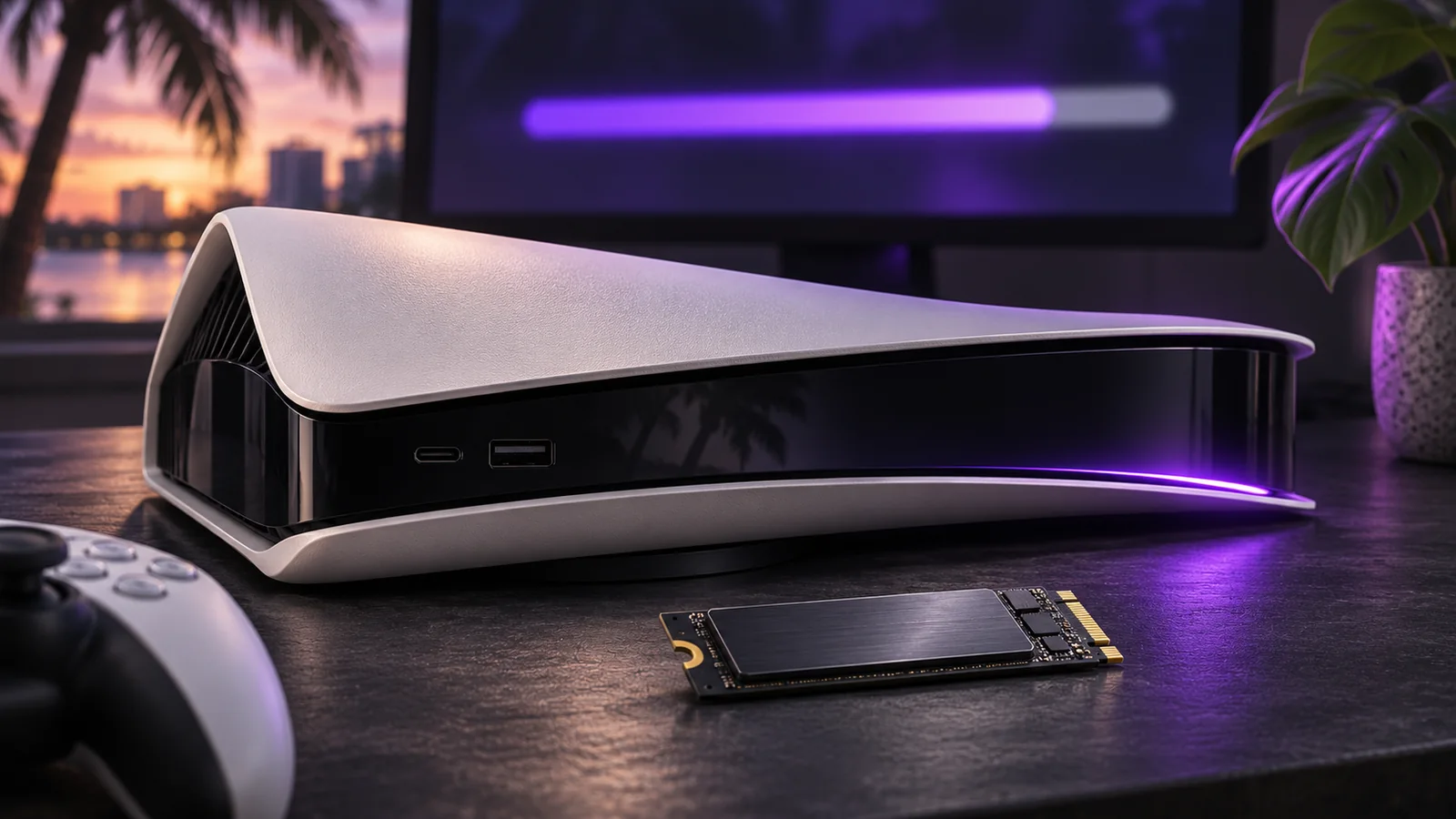
PS5 error CE-100028-1 means the SSD needs more free space. For GTA 6, open Settings, Storage and check the drive that holds the game or is set as the install destination. If the pending download shows a required amount, use that number before moving or deleting anything.
Which PS5 drive needs more space?
Check the drive GTA 6 is installing to or updating on. Downloads/Uploads tells you which item is pending. In Settings, Storage, check Console Storage and your M.2 SSD separately. If only the other drive has space, move some content or change the install location where applicable.
What can you remove and keep your GTA 6 save?
Use Games and Apps to delete or move something you can spare. Long gameplay clips in Media Gallery may also take up room on Console Storage. Keep the GTA 6 entries in Saved Data intact so your campaign progress stays available.
Where do you resume the GTA 6 download?
Return to Downloads/Uploads and resume the GTA 6 item. If the download pauses with another code, read the new code’s last digits before attempting more storage changes. For the same code after freeing space, note which drive you freed and whether the problem is an installation or an update.