

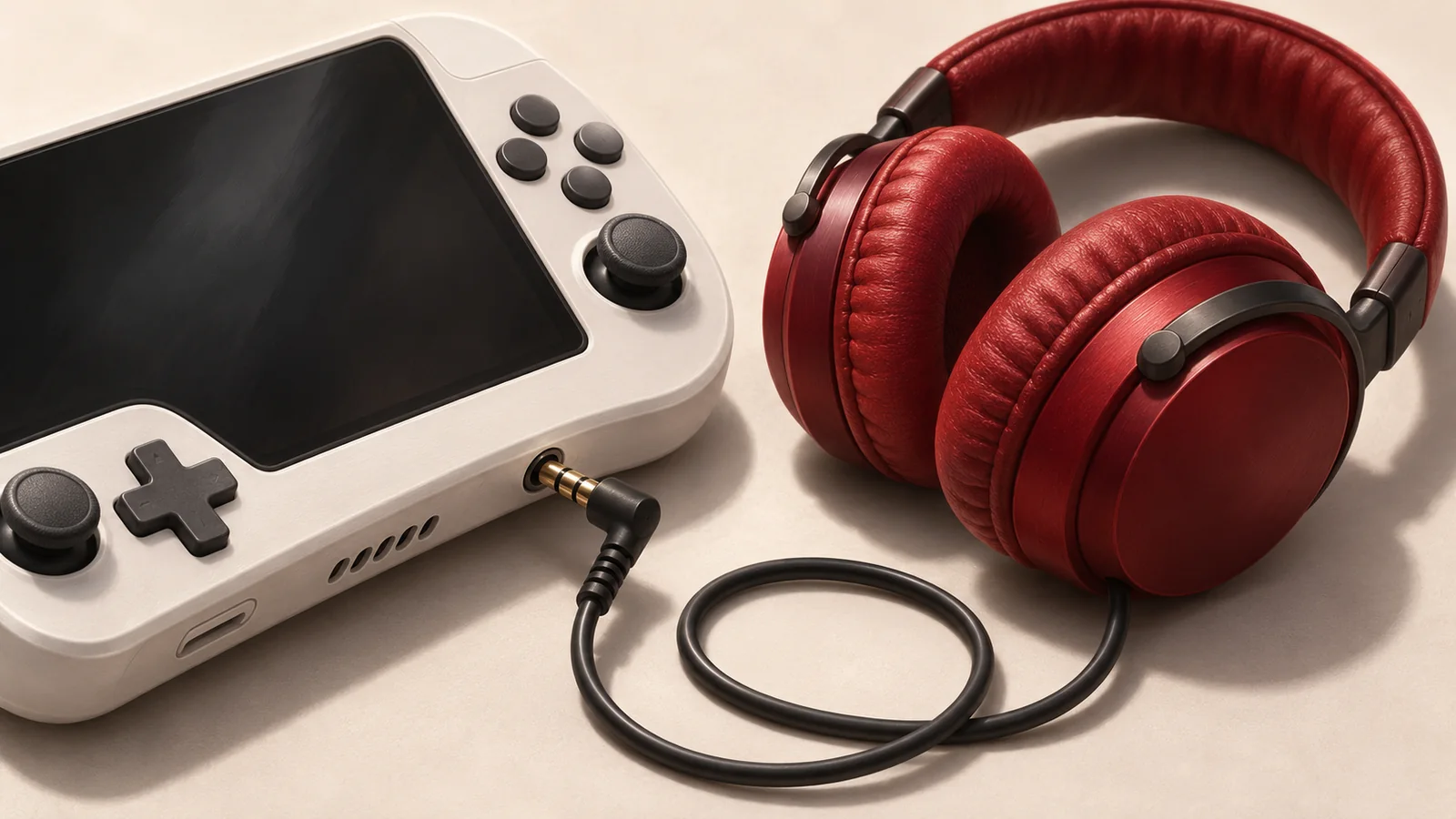
For GTA 6 audio on PlayStation Portal, use wired headphones in its 3.5 mm jack or a compatible PlayStation Link headset such as PULSE Elite or PULSE Explore. An ordinary Bluetooth headset cannot pair directly for audio through Sony’s listed Portal connections.
How do you connect a wireless headset to the Portal?
Pair a compatible headset directly to the Portal with PlayStation Link. Follow the button sequence for your model, then try its volume controls. A headset paired with the PS5 in another room is listening to a different output.
What if the Portal’s wireless headphones are silent?
Plug a wired pair into the Portal and listen to GTA 6 traffic or speech. If the same session has sound through the wire, check the wireless device’s connection and its volume. If the Portal’s speakers and wired pair are also silent, look at the handheld output and whether the game sends any sound.
Where do you enable 3D Audio on Portal?
Open Settings, System on the Portal and select 3D Audio where available. Get ordinary sound working first, then try the setting in a scene with a voice and a car moving nearby.