

NW-102308-4 means the PS5 had a communication error connecting to PlayStation. If it appears while downloading GTA 6, signing in or checking a license, check PlayStation service status first and then test your console under Settings, Network.
Could a PlayStation outage be causing NW-102308-4?
Yes. Use a phone or computer to check the status of the service involved. A Store outage can affect purchases and the download library. If account sign-in is down, retry when it returns and keep your current installation.
How do you test the PS5’s connection?
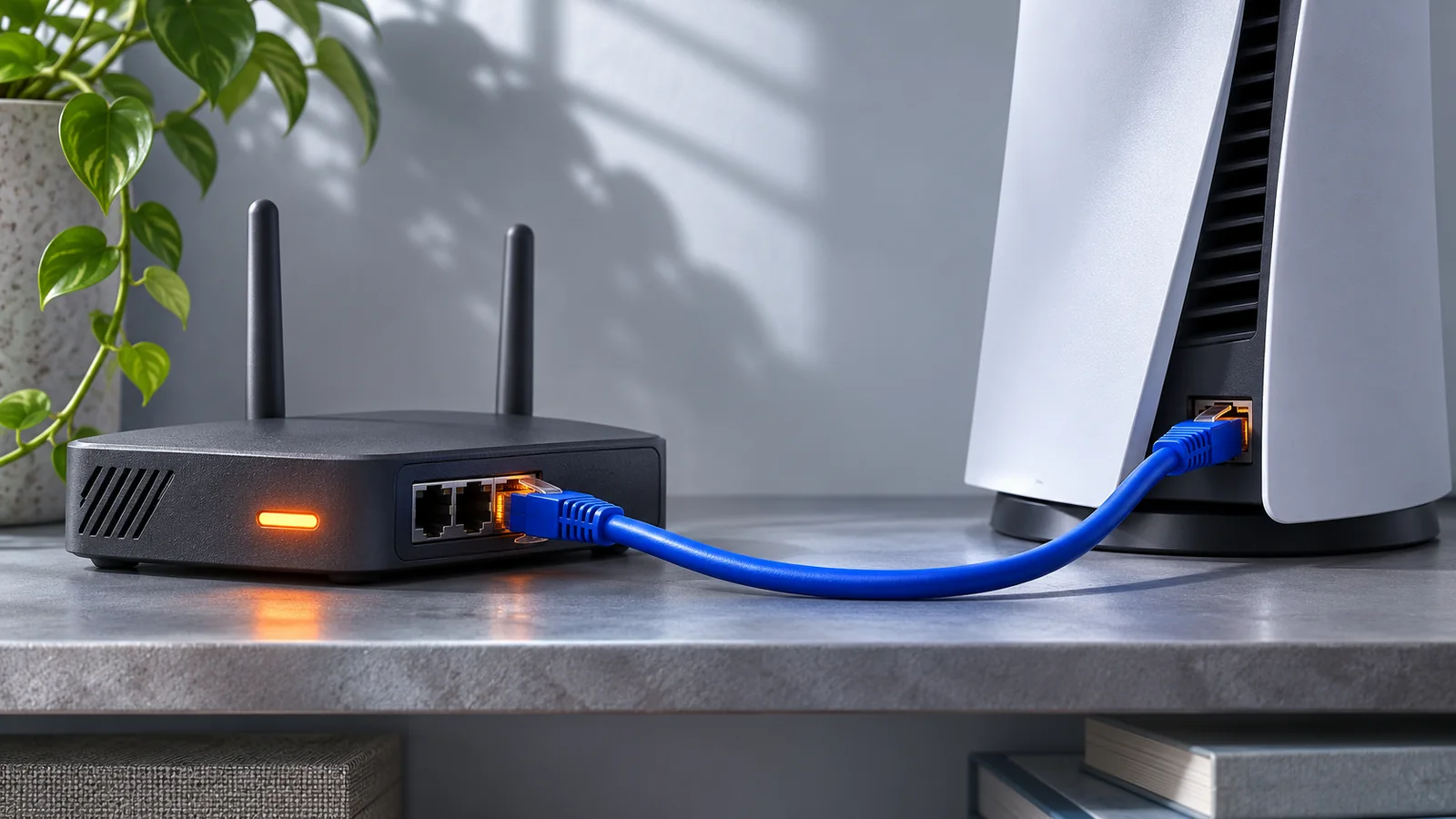
Restart the PS5 and run its network test. Try Ethernet or move the console closer to the router if you use Wi-Fi. If the connection still fails, turn off the modem and router for at least five minutes before restarting them.
What should you tell support if the error returns?
Retry the same action that produced it. If a local story session still works, save before closing the game. Tell support whether the network test reaches PlayStation and whether the identical error occurs in other apps, since both results help pinpoint a platform or home-network problem.