

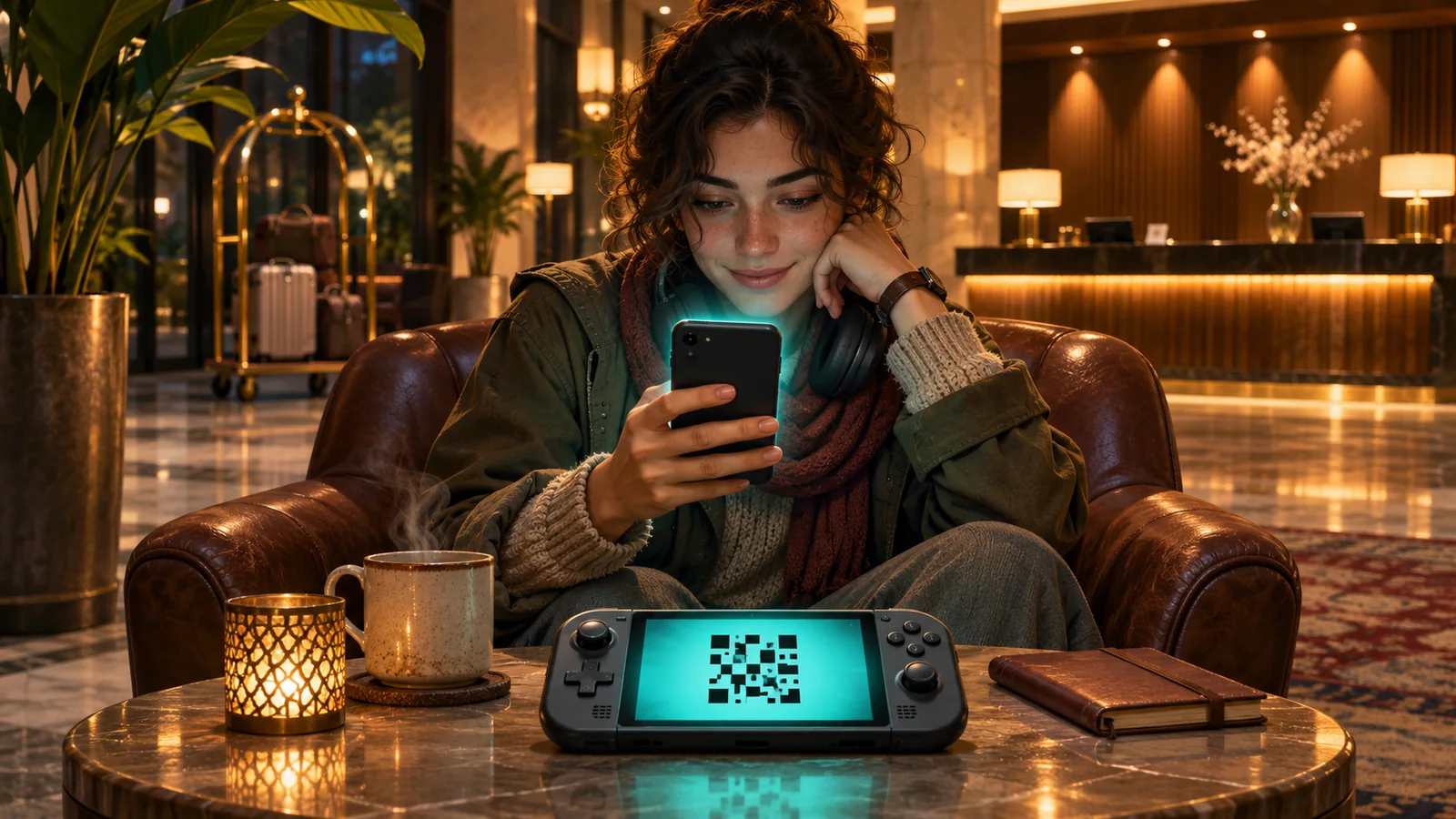
You can use a PlayStation Portal to stream GTA 6 from your PS5 over supported hotel Wi-Fi. Select the network on the Portal, scan its QR code with a phone or tablet and finish the hotel sign-in in that device’s browser. The host PS5 still needs to be ready for Remote Play.
What should you set up on your PS5 before leaving?
Enable Remote Play and sign into the PS5 and Portal with the same PlayStation account. To wake the console from Rest Mode, enable Stay Connected to the Internet and Enable Turning On PS5 from Network under Features Available in Rest Mode. Test waking the console while you’re still home.
How do you complete the hotel Wi-Fi login?
Select the hotel network on the Portal. If a QR code appears, scan it with your phone or tablet. Complete the terms or room details in that device’s browser. Return to the Portal after the network confirms your login.
Is the Portal stuck on Wi-Fi, finding the PS5 or streaming?
If you never get through the hotel sign-in, the network may need a different way to connect or may be unsupported. If the Portal connects to the hotel’s network but cannot find a PS5, check the home console’s power and network setup. If GTA 6 opens and only the picture breaks up, the issue is often connection quality between the devices.
What internet speed do you need at the hotel?
The Portal minimum is 5 Mbps, with at least 15 Mbps recommended for a better experience. A busy hotel network can still stutter. Try a short GTA 6 drive before starting a long mission.