

If the PS5 reports a storage problem that affects GTA 6, use Safe Mode’s Repair Console Storage. Sony says that option preserves data. If the symptom is a padlock, a missing purchase or a pending download with no general storage problem, check the account and download queue first.
How do you start the PS5 in Safe Mode?
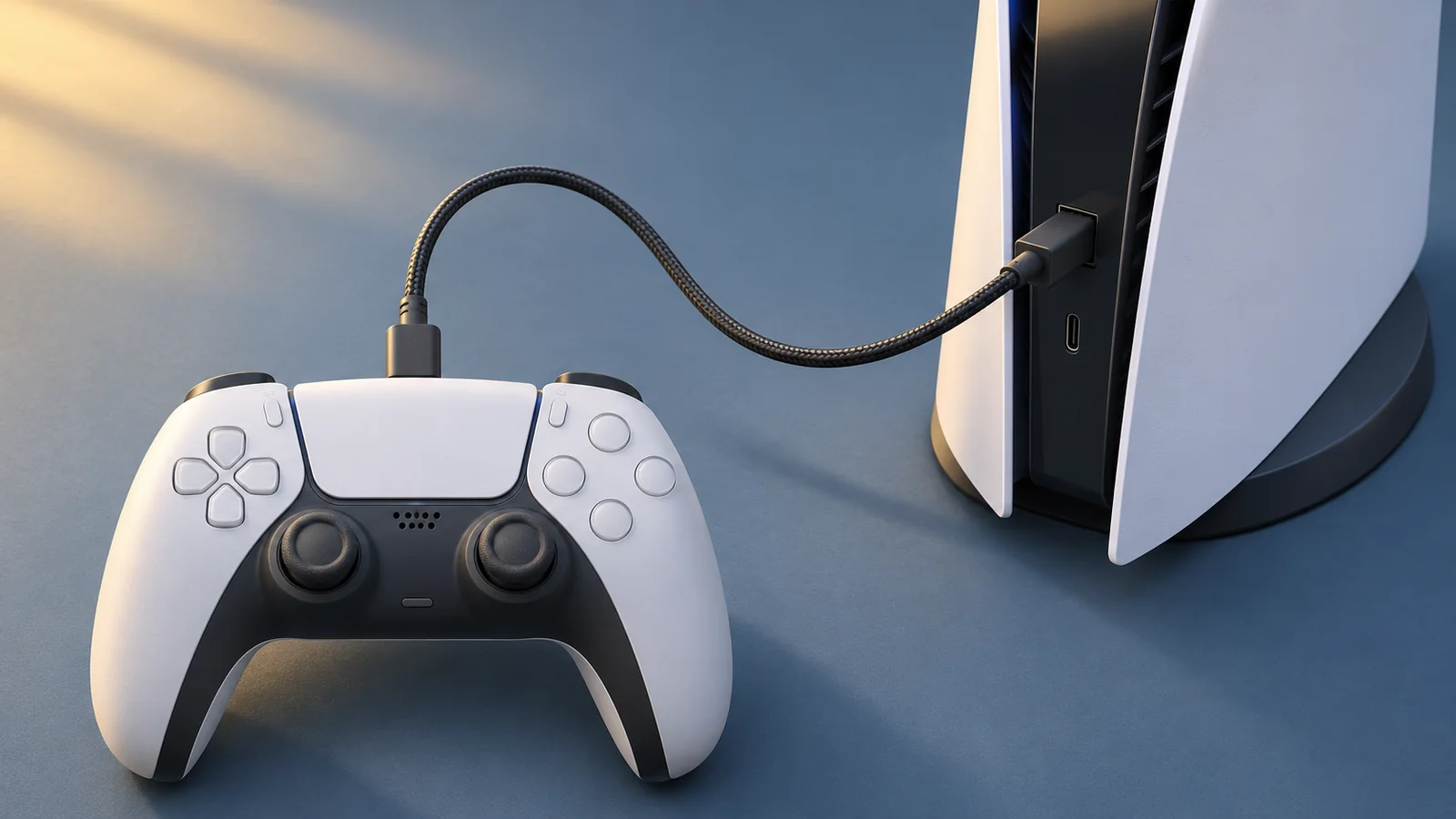
Turn the PS5 fully off. Hold the power button until the second beep, then connect a controller with a data-capable USB cable and press the PS button.
Which Safe Mode option matches the problem?
Use Repair Console Storage for a PS5 storage or startup problem. A stale game listing or a system feature problem points to another option in the same menu.
| Symptom | Safe Mode action |
|---|---|
| The PS5 has storage or startup trouble | Repair Console Storage |
| The home screen lists a deleted game | Clear Cache and Rebuild Database, Rebuild Database |
| A system feature has performance problems | Clear Cache and Rebuild Database, Clear System Software Cache |
What should you check after restarting the PS5?
Check that GTA 6 appears in the library and that your usual profile can see its story save. Keep Reset PS5 and Reset PS5 (Reinstall System Software) out of routine recovery. Both delete user data.