

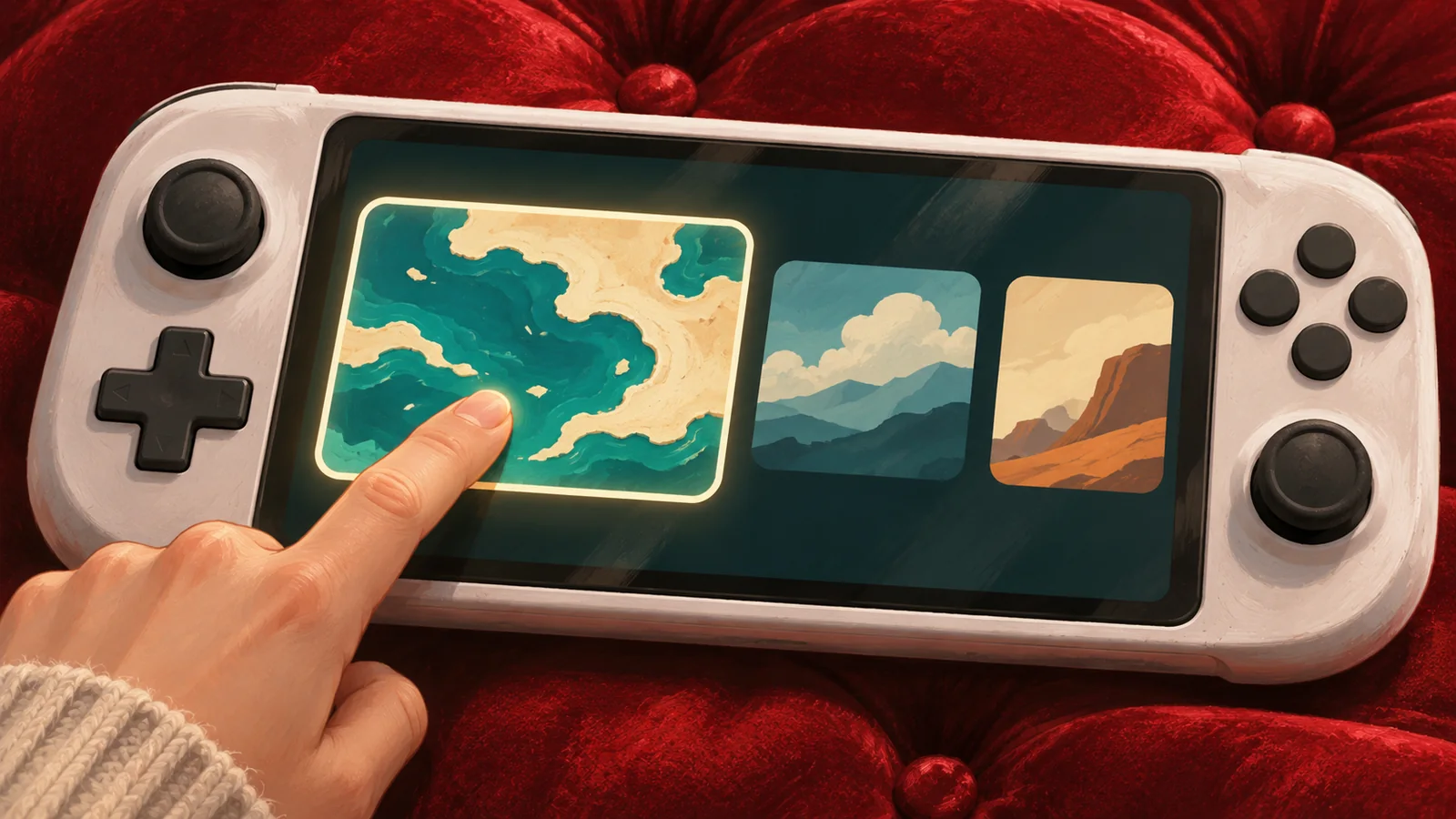
Double-tap within one of the PlayStation Portal’s two touchscreen touchpad zones to open the GTA 6 map with the default PS5 layout. A single tap shows the zones if they are hidden. The double tap sends the DualSense touchpad button press.
Can you double-tap after the touchpad areas fade?
Yes. Double-tap inside one of the two touchpad zones, using the same zone for both taps. Tap once to bring the outlines back if you’ve lost track of where they are.
Why did the Portal Quick Menu open instead?
Swiping in from the upper-right side opens the Portal Quick Menu. That overlay manages the handheld and your stream. Close it, use the visible GTA 6 picture and double-tap inside a touchpad area so the PS5 receives the map shortcut.
What if the touchpad gesture still won’t open the map?
Try the gesture in free roam, after any dialogue or cutscene finishes. If the map still stays closed, check Control Scheme or try the touchpad button on the DualSense connected to the host PS5. If the DualSense opens the map, focus on where you’re tapping on Portal.