

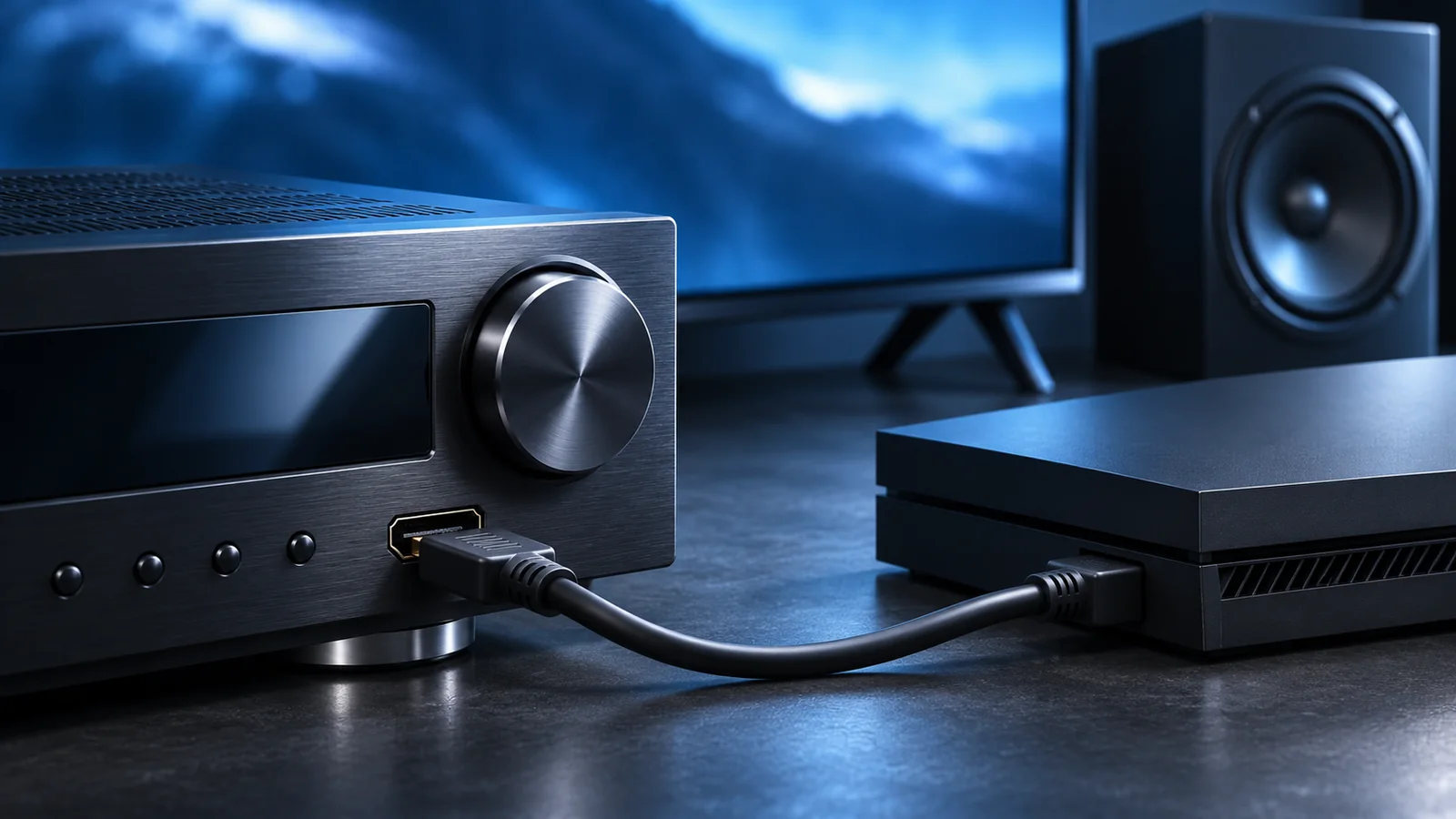
If GTA 6 has no sound through your Xbox TV or receiver, start with Settings, General, Volume & audio output, Audio testing & details. If the Xbox’s own sound test is also silent, check the audio path or speaker settings before changing anything in GTA 6.
Did the speakers go quiet after you connected a headset?
Under Volume & audio output, open Additional options and inspect Mute speaker audio when headset attached. Disconnect the headset for a quick check. If speaker sound comes back, choose the routing you want with the headset connected.
How do you check the signal at the TV or receiver?
Check the input used by the Xbox and the listening input on the receiver or soundbar. If there is a switch or receiver between the console and television, try a direct HDMI connection from the Xbox to the TV and repeat Audio testing & details. A successful direct test narrows the problem to the equipment between them.
What if you can hear traffic but GTA 6 dialogue is quiet?
Open the game’s Audio settings and check dialogue volume. If effects already come through the same speakers, adjust the game’s mix before changing the Xbox HDMI output.