

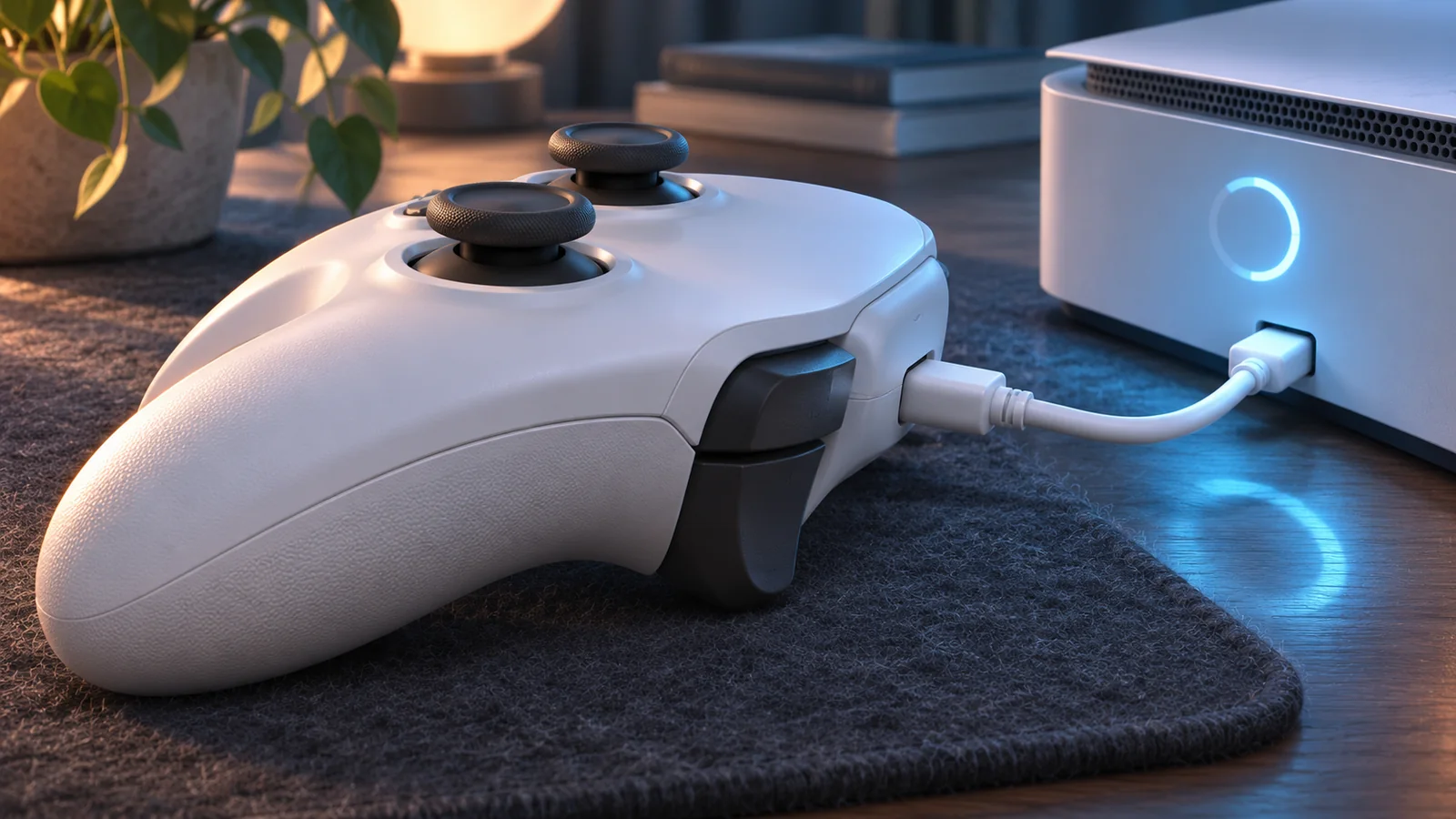
On PS5, update a DualSense for GTA 6 under Settings, Accessories, Controller (General), DualSense Wireless Controller Device Software. Update the PS5 system software first, then select the connected pad and follow the on-screen instructions if an update is offered.
How do you update the right DualSense on a shared PS5?
Connect the specific DualSense you use for GTA 6 and open its device software screen. If you use more than one pad, check each separately so a spare controller does not get mistaken for the one you’re troubleshooting.
Can you update a DualSense from Windows?
Sony’s PlayStation Accessories app can update a supported DualSense from Windows. Connect the controller using a supported data cable, then follow the software’s update prompt. The update is for the controller itself and is separate from any GTA 6 download.
Will a firmware update change trigger resistance?
If the trigger or vibration already works and just feels too strong, adjust the DualSense options in GTA 6 or the PS5 controller settings. If input still drops after an update, try the controller in another PS5 game using the same cable or wireless connection.