

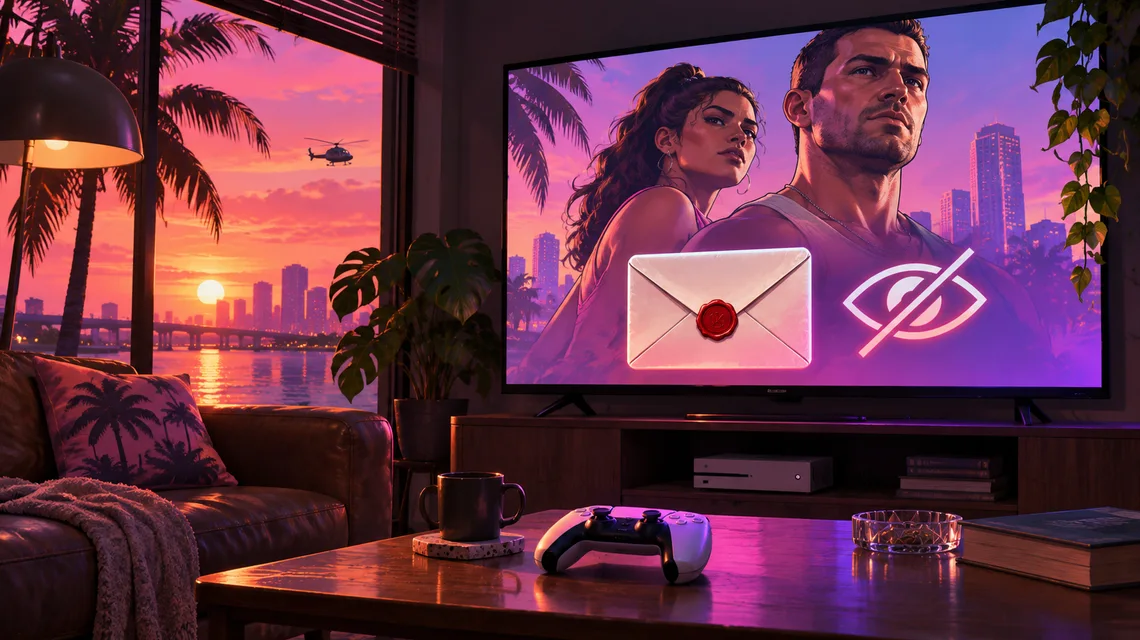
On the PS5 home screen, open Settings, then Saved Data and Game/App Settings. Choose Spoiler Warnings and switch on Warn About Game Spoilers. This lets the console hide a potentially revealing shared screenshot or clip behind a warning before you open it.
Which warning should you choose for your first playthrough?
If a friend is several chapters ahead of you in GTA 6, choose the option that covers everything you have not seen yet. It uses your progress where the console can identify the moment in a capture. The narrower option covers material the game’s developers have marked as a spoiler.
Will it hide a clip that someone posts outside PlayStation?
The warning belongs to the PS5 interface. A friend can share the very same screenshot in a group chat or post it on social media, and those apps control their own previews. If you want a hint about Jason or Lucia’s next objective, give your friend the mission title and ask for the answer in text. You can leave the video unopened until you reach that scene.