

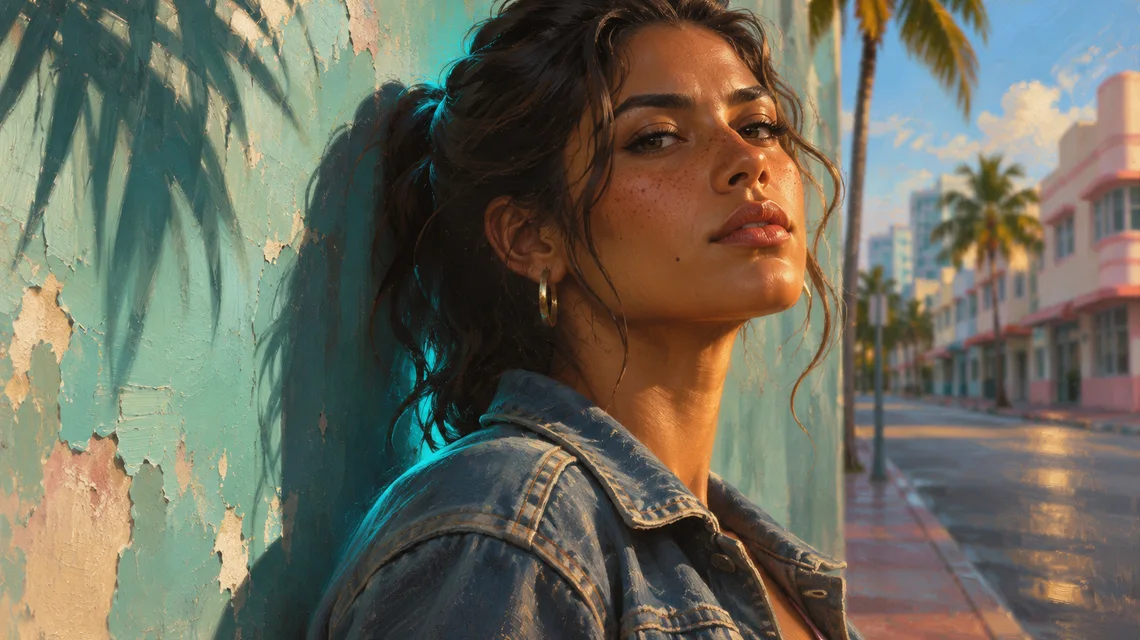
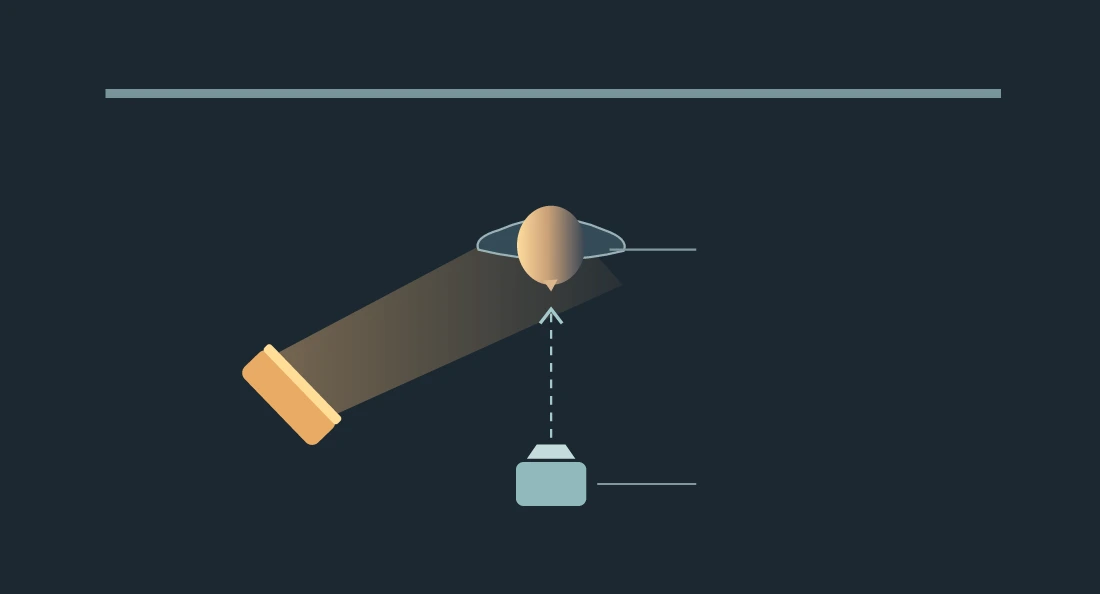
In GTA 6 Photo Studio, open Lighting, add a light and set it to affect the character. Move it off to one side of Jason or Lucia until one cheek catches the light. The wall behind them can keep its original color and brightness, even if you have to raise the light’s intensity to see their face.
Where should you put the camera first?
Stand your character where you want the portrait before you pause. The studio camera orbits them and has a limited reach. Pick the aspect ratio and frame the face before placing lights. If a wall blocks the angle, return to gameplay and take a few steps away from it.
What makes a face look softly lit?
A Softbox gives the shadow on the far cheek a gradual edge. Try one on its own and adjust its position before adding another. For a harder shadow against a dark background, try a Stage Light with a narrower beam. A second light aimed only at the environment can bring back a doorway or a patch of color behind the subject. You have up to five slots.
How do you keep the eyes and face sharp?
Turn on the Focus Guide while adjusting focus distance. The white overlay marks parts of the image outside the focus range. If it covers one eye, shift the focus or use a higher aperture value to bring more of the face into focus. Check the portrait again with the guide off before saving.
The extra lights affect the photograph. They cannot change noon into dusk or clear a rainy sky. If the horizon matters to the portrait, wait for the light you want in the game, then use a studio light to fill the face.