

Buying GTA 6 as a gift — the boxed code, console and account checklist
A box still needs the right account and a download. Check these details before giving someone GTA VI.
The latest updates and practical guides from across Leonida.
445 results · Getting started
A box still needs the right account and a download. Check these details before giving someone GTA VI.
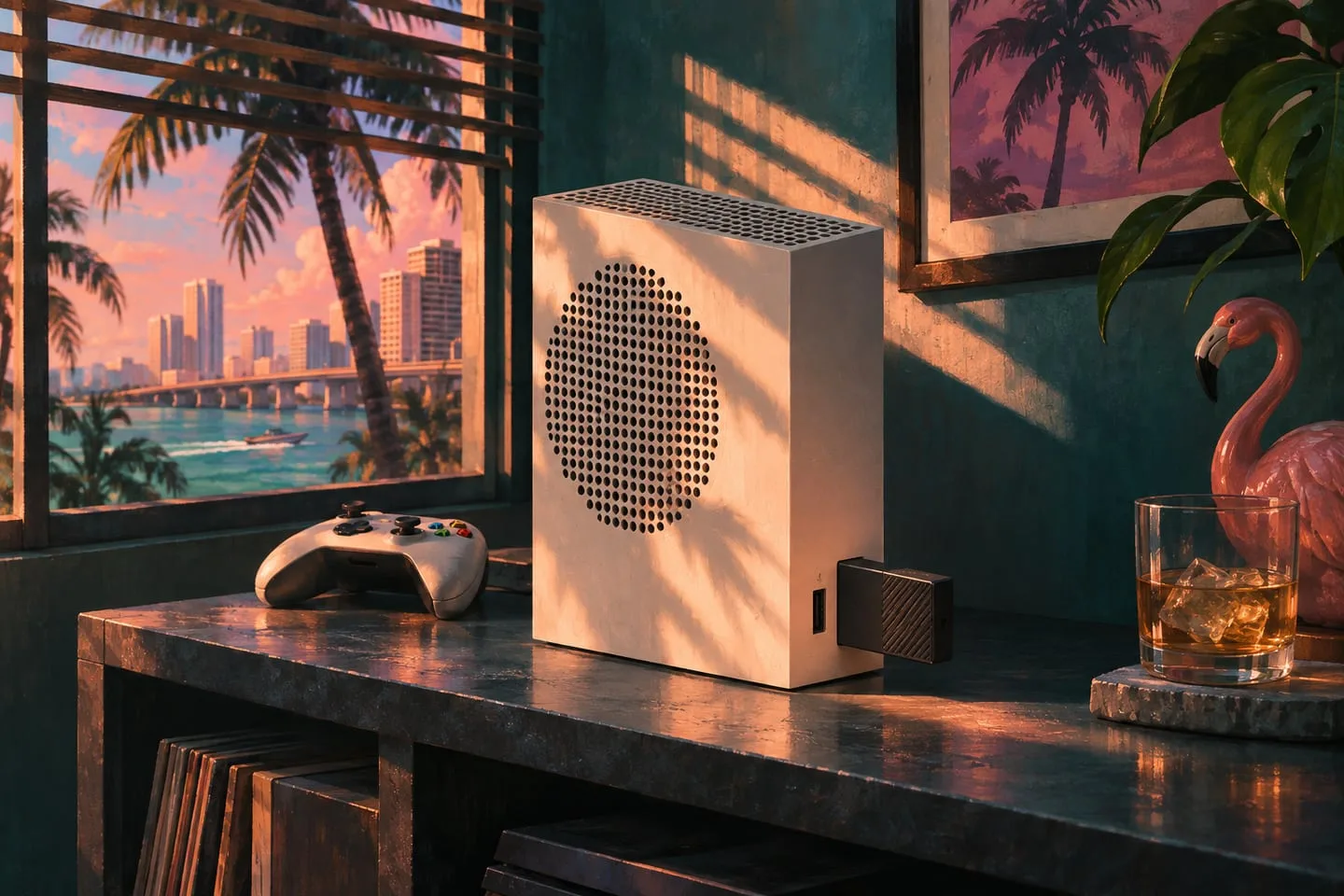
Prepare Xbox Series X|S storage, move inactive games and resolve space prompts before the GTA VI preload finishes.

Understand adaptive music through layers, intensity and transitions, then distinguish the in-game score from its album release.

The themed design and the game’s DualSense support answer different questions. Check what your existing controller already offers.

Use a simple download-time calculation and realistic examples for 50, 100, 200 and 500 Mbps connections.

Choose a station by genre, look up the launch hosts and songs, and switch to GTA 6’s on-demand podcasts.

Prepare a household console by confirming purchase ownership, Console Sharing and the existing restrictions for each profile.

Start the preload, confirm internet access in Rest Mode and check progress before leaving your PS5 overnight.

Find the listing for Grand Theft Auto VI: The Album and the official singles from Justice, Travis Scott, Tove Lo and others.

Use these launch reviews to compare the story and world, then check hardware-specific footage for PS5 or Xbox.

Check automatic updates, Sleep mode and the installation queue so your Series X|S is ready for launch.

Use place-focused gallery images to study the world while avoiding campaign theories, late-scene thumbnails and full breakdowns.