
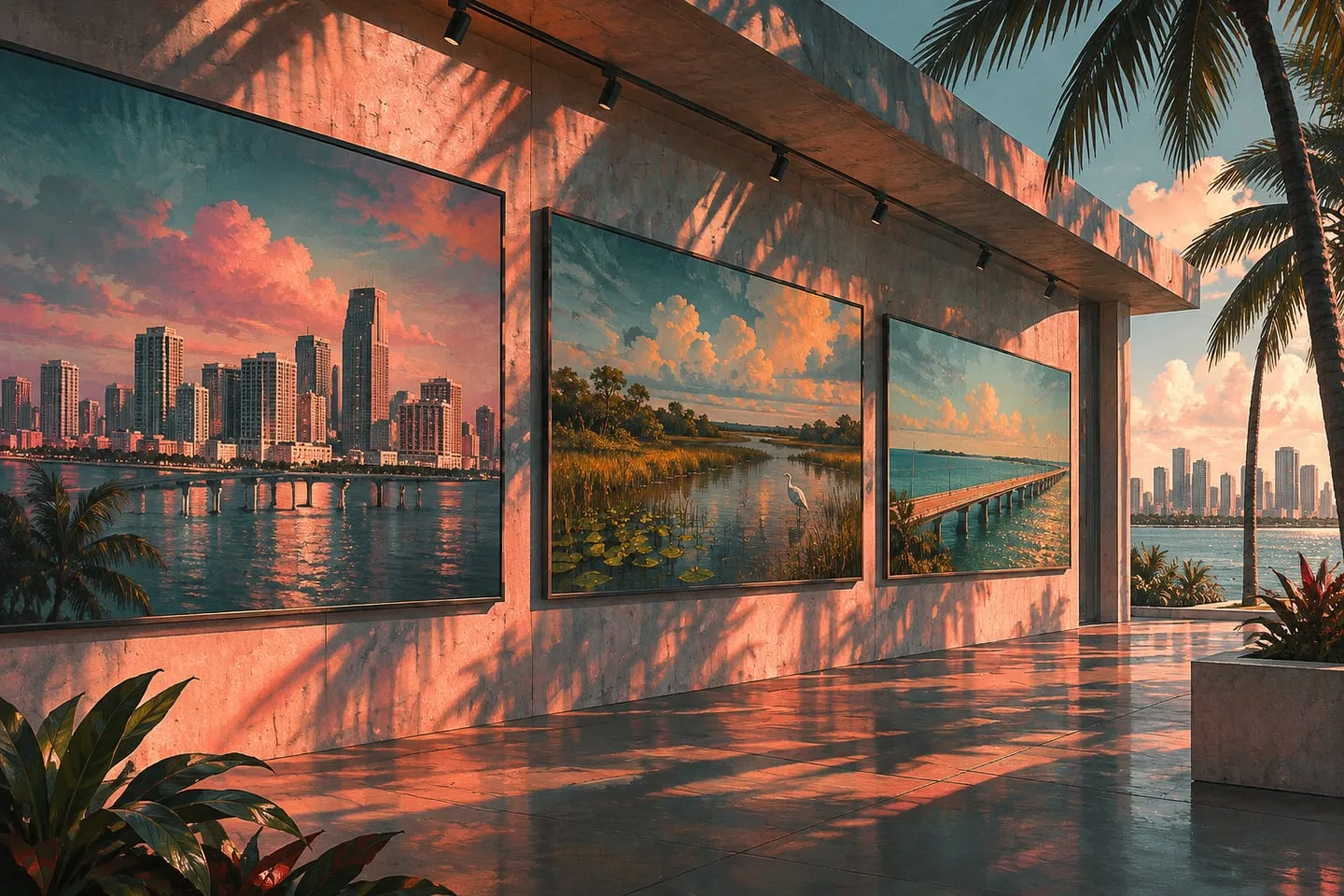
GTA 6 official screenshots — explore Leonida with fewer story spoilers
Use place-focused gallery images to study the world while avoiding campaign theories, late-scene thumbnails and full breakdowns.
 GTA Lab3 min read
Start with images named for places
Rockstar’s official galleries let you examine buildings, terrain and everyday details without first reading a plot interpretation. Choose place-focused stills and keep their display titles so you can return to the same image later. Promotional material can still reveal characters and situations, so a lighter viewing route should stay deliberate about which captions and discussions it opens.
Pick one region and keep the official title
The Launch Gallery and official media library let you look at Leonida without reading a trailer breakdown. If you are avoiding story details, start with stills named for a place. Open them from the official library and record their display titles when you want to find them again.
Stop when an image starts raising plot questions
A gallery can still show characters in situations you would rather discover in the game. Treat a named region as permission to look at the setting, then leave narrative interpretation for after your first session. Avoid the related social threads if you only want to compare the city, islands or wetlands.
Three regions make a good short visit
Begin with Vice City, then choose between the Keys and Grassrivers. The gallery’s geography gives you three clear differences: buildings at city scale, roads over island water and low wetland vegetation. Stop after the comparison if you are saving story scenes for the game. The numbered place images in the Media section are handy when the main gallery mixes scenes with characters and scenes without them.
Find an image again without a social feed
Copy the display title or an official share link and save one line about the part you liked. A title such as ‘Vice City 27’ is more useful for finding the original than someone’s re-upload caption. If a photo raises a story question, keep it in your notes to revisit instead of searching the character name beside a location you haven’t reached.
Give each gallery visit one visual question
Look for a feature such as how the waterfront meets a road, how an industrial area is laid out or how a wooded slope changes the view. This gives the images a purpose beyond hunting for every hidden clue. It also makes a screenshot comparison more interesting because you can explain one observation clearly. Save the original gallery reference and use the regional overview for context. If you want the least story exposure, avoid comment threads and video breakdown thumbnails around the image.