
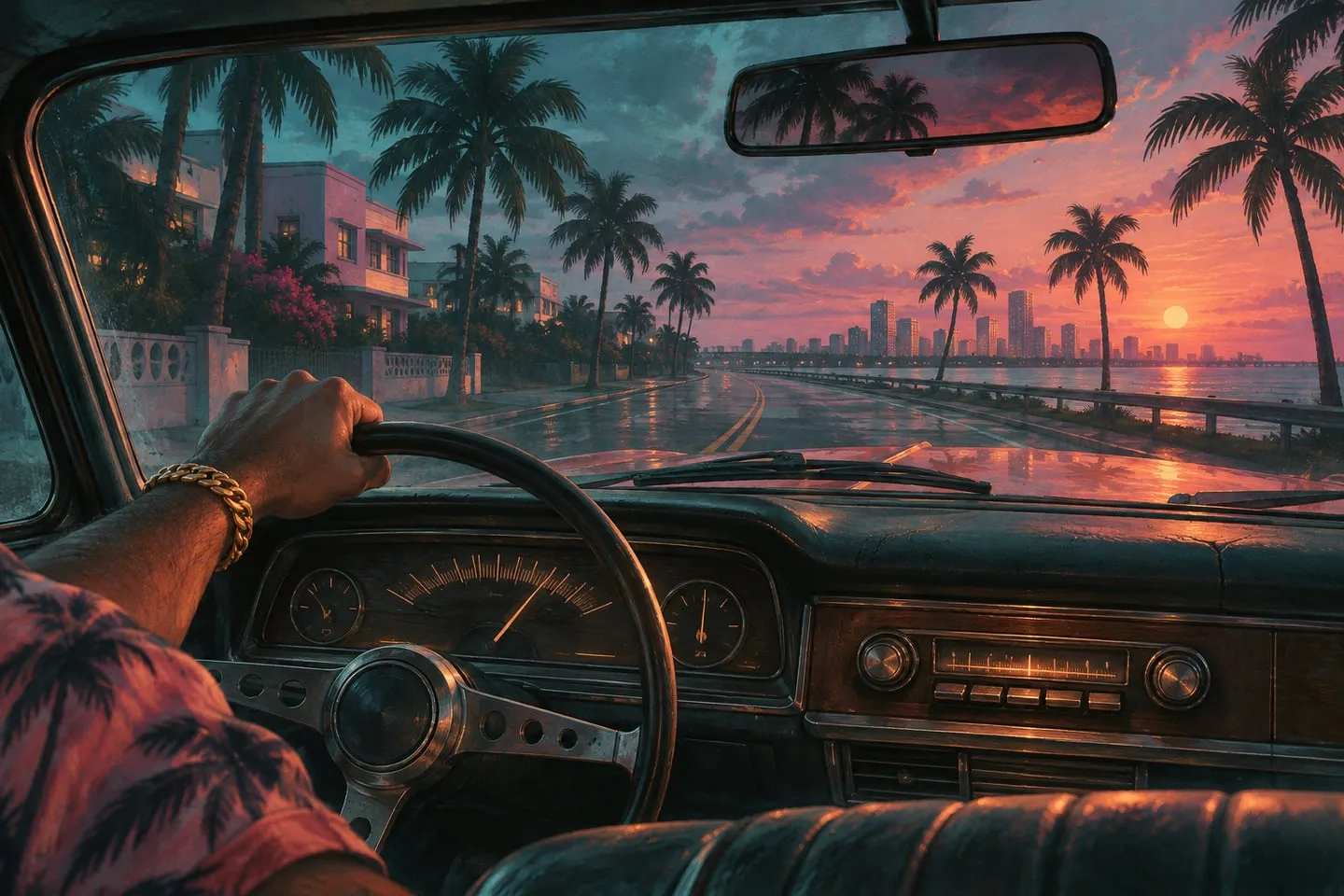
GTA 6 radio stations — find a first listen for your kind of drive
Start with Rockstar’s station previews, from Flash FM and Back Country to Cocoteo, Afro Bank FM, The Chamber and Dirty South Classics.
 GTA Lab3 min read
Choose the mood, then explore the station
Rockstar’s music hub offers station previews with different styles, making the drive itself a useful way to choose a first listen. Flash FM and Back Country suggest very different outings, while the other previews widen the range through Latin music, amapiano, metal and Southern rap. Treat these as introductions to station identity, rather than a complete release-game playlist.
Start with two contrasting samples
Try Flash FM if you want pop and Back Country if you want a country soundtrack for a quieter road. Then try Cocoteo for Latin music, Afro Bank FM for sounds including amapiano, The Chamber for metal or Dirty South Classics for Southern rap. These are station previews from Rockstar’s music hub.
Record the station before the track
A preview is a useful introduction without being a full playlist. Save the station whose host and music fit the mood you want, then use the in-game radio display after launch to look up a particular set. Keep the official score and album tabs separate from station samples.
Pick one voice as well as one style
Flash FM and Dirty South Classics are a useful contrast because both can soundtrack a downtown drive without sharing a genre. Back Country is a different fit for slower roads outside the city. The other samples add more variety: Cocoteo’s Latin selections, Afro Bank FM’s African music and the heavier sound of The Chamber. Compare a host transition as well as a track if you care about how the stations feel in the vehicle.
Try the same trip with one station changed
Choose one city road and one open stretch. Play the same part of a sample before the drive and check whether the change in the scene makes you prefer a different station. A first favorite often comes down to how the voices, tracks and pacing feel together, which a bare list of artists cannot tell you. Rockstar shows selected previews, so additional stations and full rotations belong to the game.
Keep the DJ and station name with the song
A radio experience includes presentation and sequencing as well as individual tracks. If a sample appeals to you, save the station name before jumping to a separate streaming release. That makes it easier to return to the same kind of mix in the game. A full playlist needs a verified track list or the in-game display, particularly when fan compilations add songs based on expectation. The album and score article explains why music released alongside the game may belong to a different part of the official program.