

Record GTA 6 on PS5 — save the moment or capture the whole drive
Choose between a screenshot, recent gameplay and a fresh recording, then keep enough context to make the clip useful.
The latest updates and practical guides from across Leonida.
445 results · Getting started
Choose between a screenshot, recent gameplay and a fresh recording, then keep enough context to make the clip useful.

Confirm ownership, finish the install and prepare your console before GTA VI unlocks. A short checklist with the common problems explained.

Read the official footage for visible actions and environments while keeping performance claims and unshown mechanics in context.

The Macca the Gator set is a physical collectible purchase. Check its contents and the separate game requirement before ordering.
Understand what Quick Resume can preserve, why a completed save still matters and how to check the state after returning.

A countdown, a padlock and a purchase prompt point to different causes. Follow the right check before downloading the game again.

Identify the Justice collaboration in Rockstar’s October launch trailer and find the official route to the full track.

Rockstar’s wider collection includes standalone items alongside the Goodtime State bundle. Check the exact product before choosing.

GTA 6 has English voice audio and 12 text choices on PS5. Here is how to change the UI language, subtitles and captions.

Sony asks players to clear at least 212 GB before installing. Check console storage, M.2 storage and USB options before clearing your PS5.

Find the right music release by understanding the multi-artist album, original score and station previews.
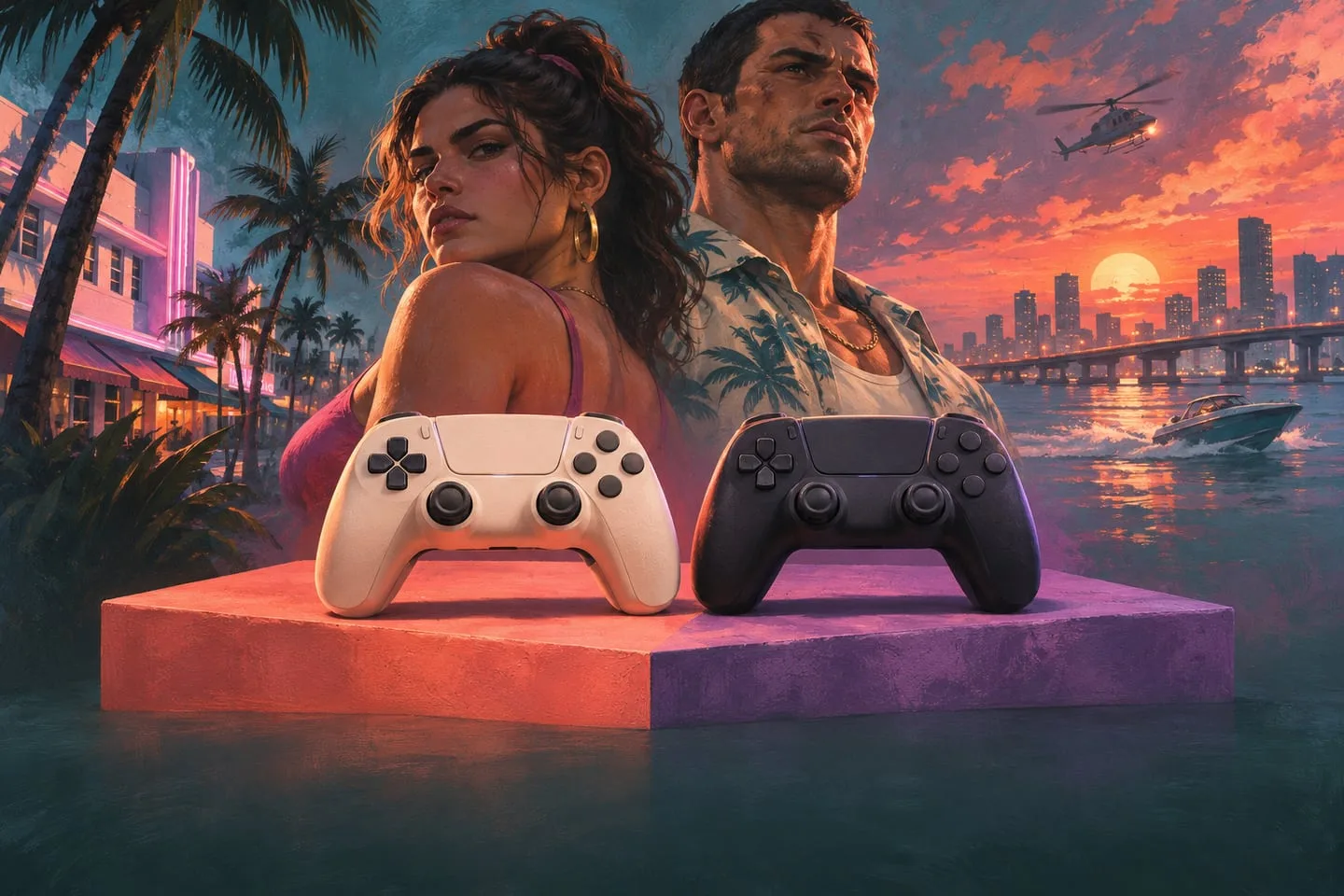
Sony’s themed controllers offer two visual treatments. Check the official designs and distinguish appearance from supported game features.