
Do you need the themed DualSense for GTA VI’s PS5 effects?
PlayStation’s gameplay features use compatible DualSense hardware. The collectible design is a separate choice.
 GTA Lab2 min read
Use the controller you already know first
PlayStation’s GTA VI coverage describes haptics, adaptive triggers and speaker audio on DualSense. Its themed controller announcement covers a pair of visual designs. If you own a standard DualSense, spend your first session checking resistance and feedback on that device before deciding another controller would change how you play.
Compare condition and comfort
Charge both if you have access to them, use the same game settings and play a short familiar stretch. A worn grip or different accessory can make two otherwise similar controllers feel different. If your priority is comfort, test the controller with the exact trigger and feedback settings you expect to keep.
Shop by the product you mean to buy
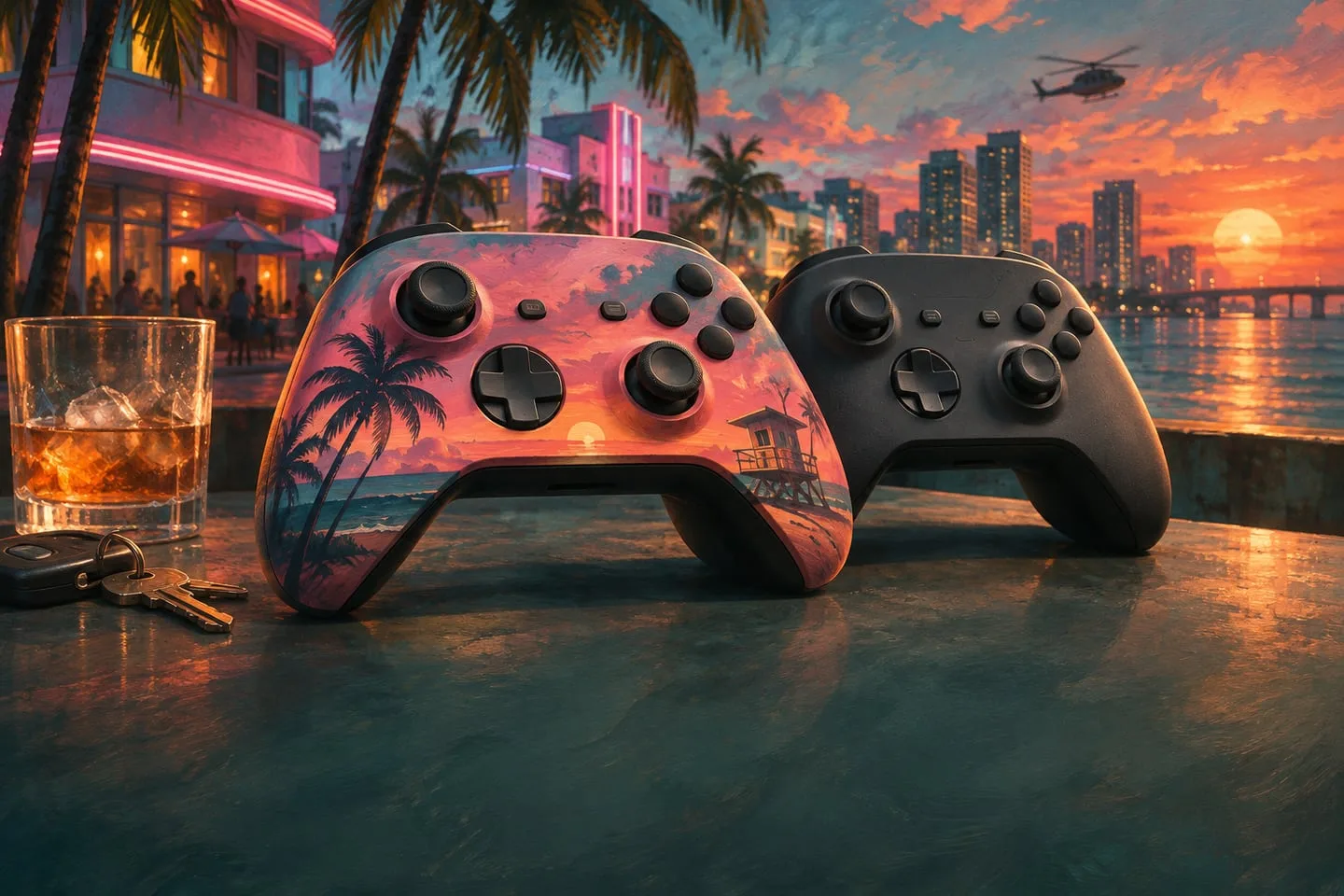
Check the controller’s standalone listing for color and availability. It is a separate product from the game and its editions. A picture pairing the shell with game artwork may sell the theme without saying which other items, if any, are included in the order.
Spend a minute on the feedback controls
If the standard pad already does what you want, adjust the in-game settings first. Compare a short drive with your normal trigger strength and a lighter setting. A controller purchase addresses wear, comfort or the design you like, while the setting determines the feel it gives you in that scene.