
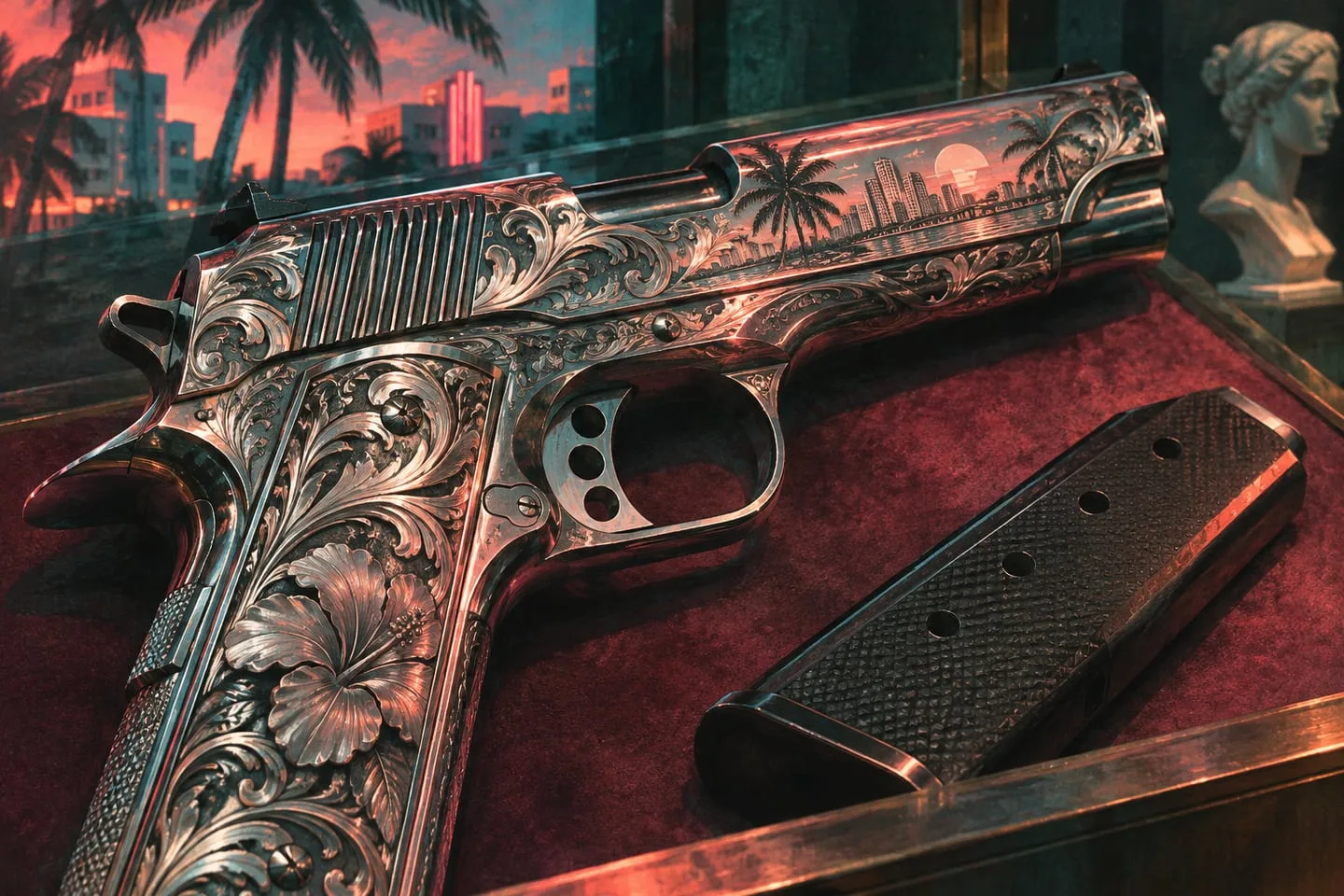
Separate cosmetic weapon variants from gameplay upgrades
Take an inventory reading before changing the look of a GTA VI weapon.
 GTA Lab2 min read
Capture the original setup
Write the model name, selected attachments and any visible stats before you alter the finish. The Vintage Vice City Pack includes a weapon pattern, and the Ultimate listing names personalized weapons. Those are the terms the store uses to describe the offers; a visual detail is not a measured performance effect.
Compare the same loadout afterward
Apply one change at a time if the game allows it. Read the stats again and try the same short in-game action. If the only thing you can verify is a visual change, log just that. Separating the two questions keeps the catalog accurate if other upgrades appear later.
Start with the offers Rockstar labels
The store describes the Vintage weapon pattern alongside outfits and the Stanier. The Ultimate offer also names personalized Girardi and Klose sidearms and a pair of collectible revolvers. Those listings give reliable names for sorting screenshots and purchases. To decide whether one changes your loadout’s behavior, check the inventory item and anything attached to it after access unlocks.
Record something another player can reproduce
Take a clear screenshot of the inventory entry before changing a pattern. Compare after the change and try a short repeat with the same firing mode. If a new attachment arrived at the same time, keep its effect separate from the finish. Readers shopping for the look and readers comparing equipment will then have a concrete answer for each purpose.