
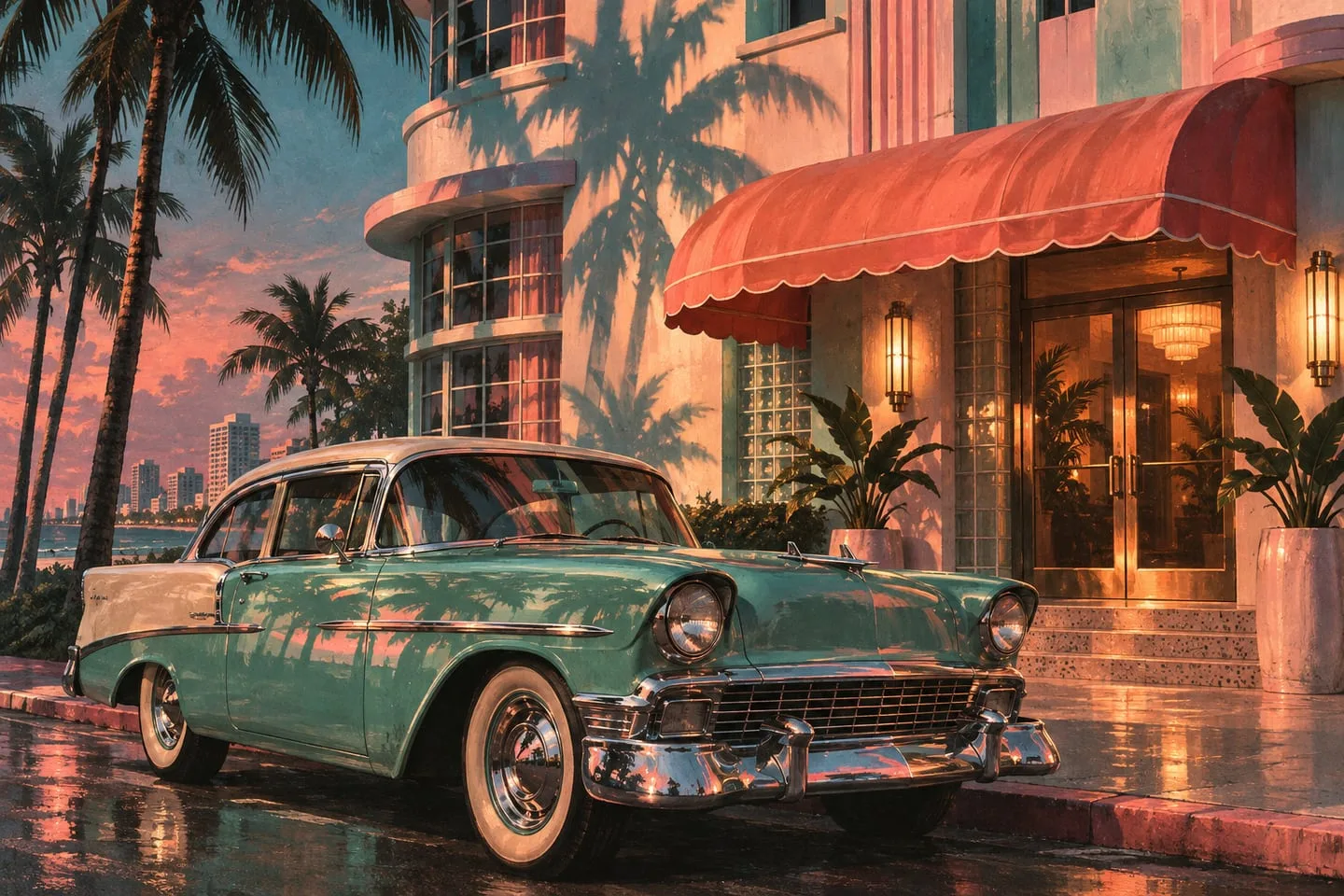
GTA 6 Vintage Vice City Pack — how to check your preorder bonus
Find the pack on your receipt, match the purchasing account and distinguish the vintage bonus from the Ultimate upgrade.
 GTA Lab3 min read
Look for the pack’s name on the order
The Vintage Vice City Pack is an early-purchase benefit with its own eligibility conditions. Rockstar’s edition FAQ identifies the offer and its vintage items, including the ’55 Vapid Stanier. The clearest first evidence is the original receipt or order confirmation naming the pack. Ultimate ownership alone should not be used to infer the terms of an earlier preorder offer.
Read the offer on the original order
Rockstar’s November edition FAQ lists the Vintage Vice City Pack for eligible early digital purchases and in the physical preorder offer. Look for the pack name on your receipt or store confirmation. The presence of a ’55 Vapid Stanier, period styling items and a weapon pattern in the offer does not mean you bought the Ultimate upgrade.
Use the correct account for redemption
If the offer came through a box code, redeem it on the account that should own the digital game. For a digital order, check the platform library against the receipt. If the bonus appears to be missing, keep a screenshot of the receipt and the exact storefront message for support.
Make a three-part list
The named rewards in Rockstar’s FAQ are the ’55 Stanier sedan and garage, outfits and hairstyles, and an exclusive weapon pattern. Write down the pack name as well as the one item you are trying to find. A store page illustrating the deluxe edition may show other vehicles alongside the bonus, so a named pack in the order is a better reference than the banner art.
Check early-purchase wording
The November FAQ describes an eligibility window for digital purchasers and lists the pack in physical preorders. Read the version of the offer that applies to your order and retain the confirmation before it changes. After release, distinguish the store entitlement from any in-game progress needed before you can see a particular bonus.
What to keep if the bonus is absent
Save the purchase date, store region, edition name and wording of the qualifying offer. Check the library on the same account that bought or redeemed the game. If support asks for evidence, the receipt and the exact store message are more useful than an image of the car from promotional material. Keep any unused code private. When buying a resale or imported box, ask whether its offer includes the pack and whether a separate bonus code has already been redeemed.