

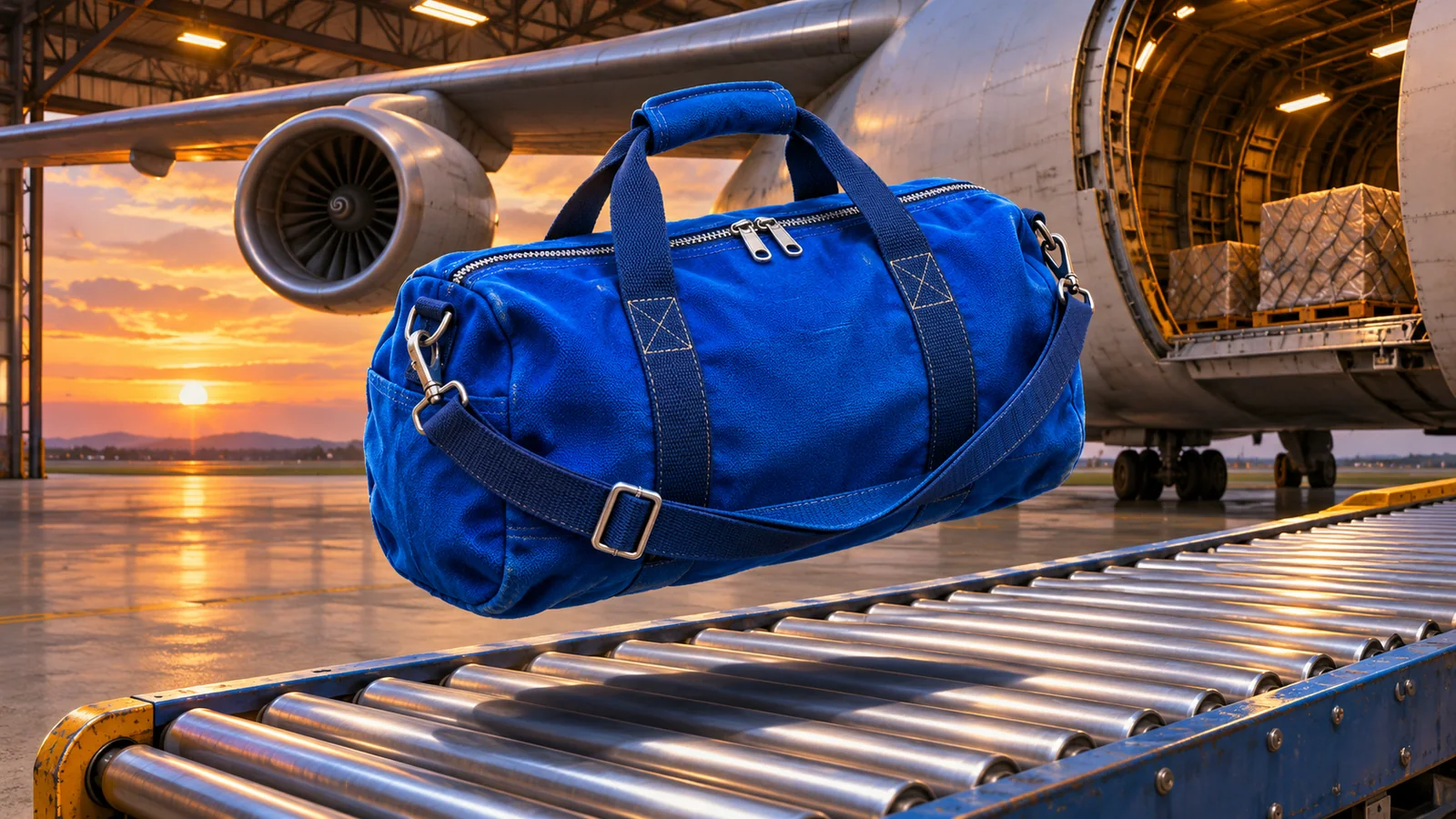
In Too Much Baggage, hold R2 on PS5 or RT on Xbox to power the throw. Release it a moment before the meter reaches halfway. The bar moves a little after release, so letting go early gets the bag to Omar.
Where does the bag-throw meter appear?
After attaching the trailers, drive Jason’s tug to the plane on the airport’s south side. Pick up a bag at the loader when Omar calls for it and look for the throw bar.
How do you adjust if a bag goes too far?
Aim to land in the middle section of the bar after that brief movement. If the last throw was too strong, let go a fraction earlier on the next one. Repeat until there are no more bags to load.
When can you leave Omar for the loading bay?
Jason asks to step away after the last catch. At that point, leave the crew and follow the loading-bay marker on foot. That starts the separate device objective.