
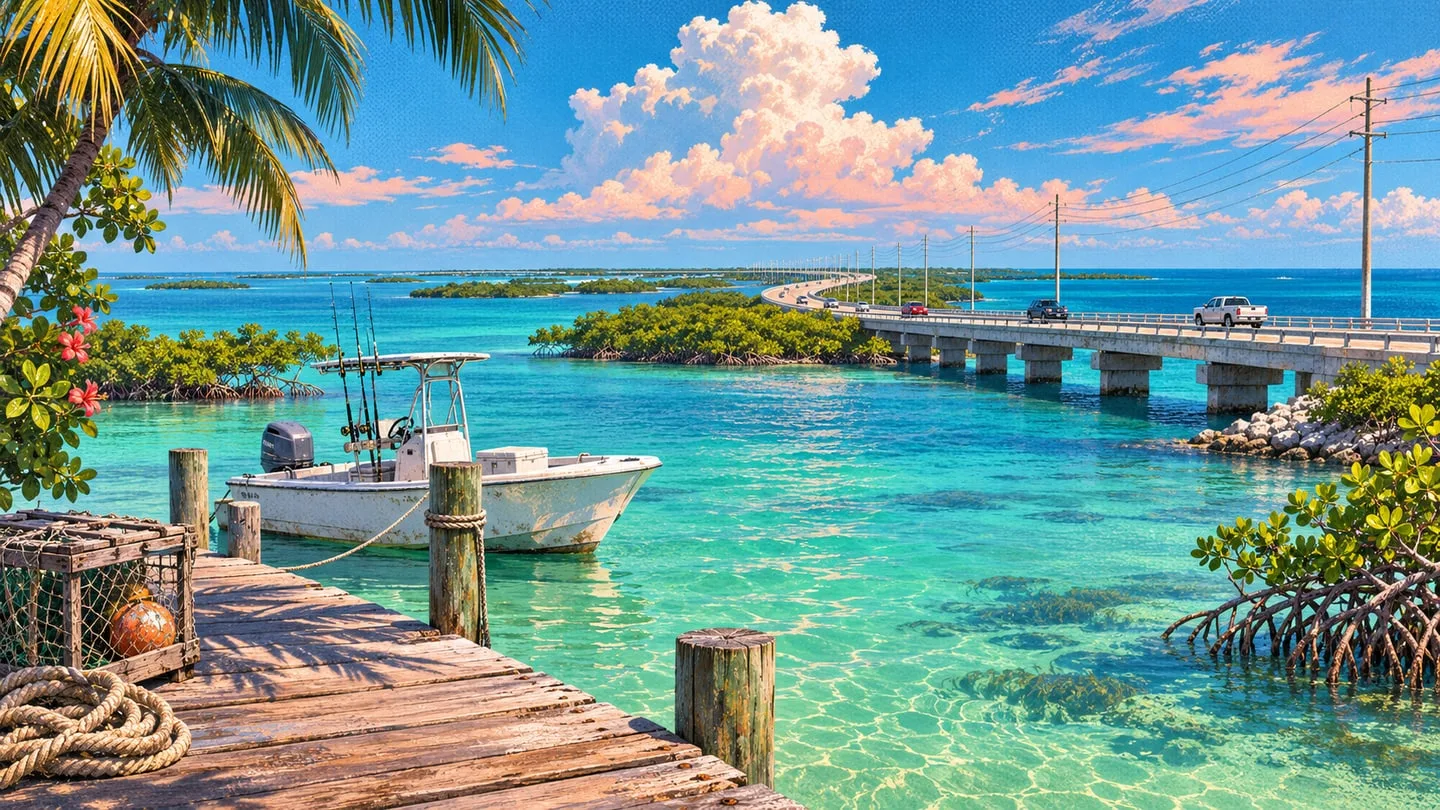
How to swim, dive and surface in GTA 6
Dive with R1 or RB and surface with Cross or A. Use the faster swim and underwater movement controls on PS5 and Xbox.
 GTA Lab2 min read
Dive once your character is swimming
Under the Default layout, wade into swimmable water, then use R1 on PS5 or RB on Xbox to go below the surface. Hold the dive input to go deeper. Press Cross on PS5 or A on Xbox to surface. The left stick moves you through the water and clicking it makes you swim faster.
Line up with a target without overshooting it
For short corrections once underwater, hold L2 on PS5 or LT on Xbox to use the strafe control. The PS5 help screen describes swimming backward this way as well. Use ordinary movement for the long leg toward the target, then slow down for the last few feet and follow the local interaction prompt.
Practice from shore once the Keys open up
The first boat section in Gone Fishing collects packages from the speedboat. Slow down beside a drop and Cal hooks it aboard. To practice swimming yourself, wait for free roam, enter the water from an accessible shore and try diving and surfacing close to the bank. Island Dreams introduces the scuba kit and its separate equipment controls later.