

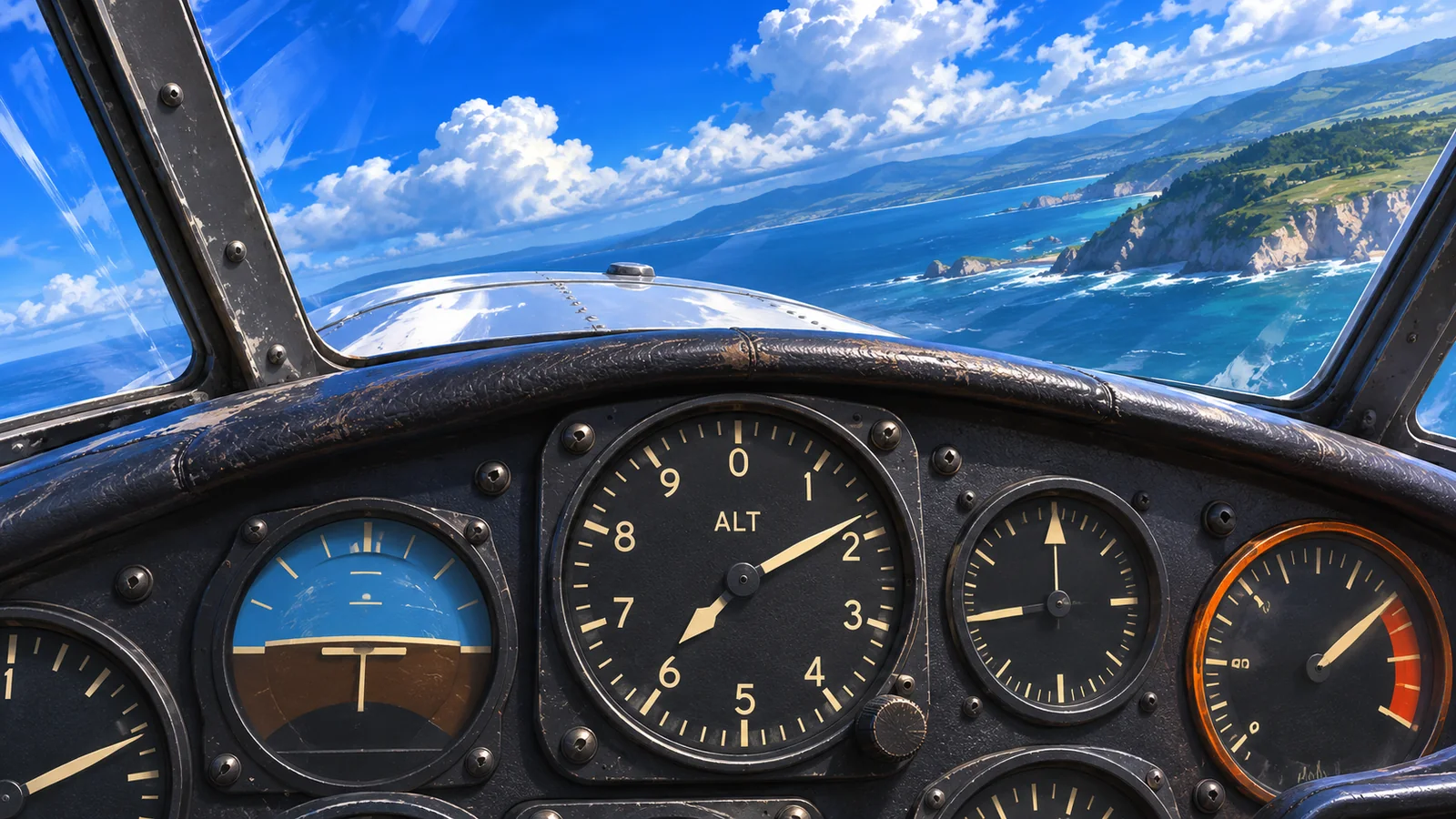
Open Settings → Camera → Aircraft to change how the GTA 6 camera follows a plane or helicopter. Follow Roll is in that group. The altitude indicator has its own switch under UI → Navigation → Altimeter.
Which setting controls the view while you bank?
Follow Roll is the starting point when the view tilts during a bank. Follow Roll Speed and Roll Deadzone Range offer finer adjustments once you know whether you prefer to keep that movement enabled.
Which sliders affect climbs and turns?
Horizontal and vertical follow-speed sliders address movement along those axes. Change one slider at a time so you can tell whether a bank, a climb or a turn caused the motion you were trying to reduce.
Can you keep the altimeter while changing the camera?
Yes. The Altimeter is a UI toggle. You can leave it on while reducing roll or changing the aircraft view’s follow speed. If a flight button is what feels wrong, open Aircraft under Control Scheme.